
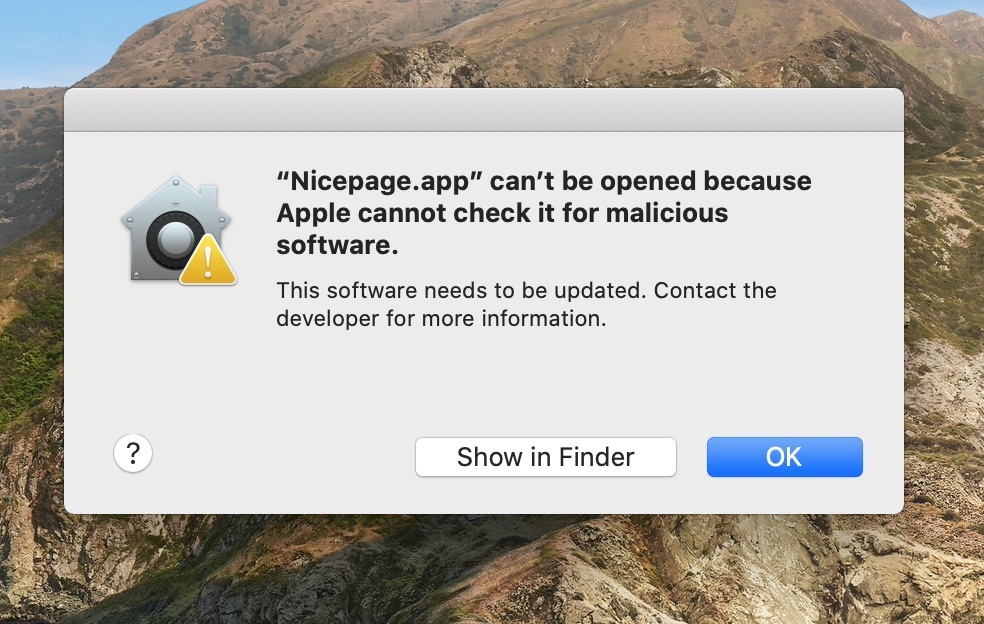
When installing the Nicepage Desktop application on Catalina OS, you may receive a warning that you cannot open the "Nicepage.app" installation file, as Apple cannot verify it.
Resolution
To fix this issue, please follow these steps.
- Click "Show in Finder."
- Find the Nicepage Application in the list.
- Right-click or Control+click on the Nicepage Application Installer
- Choose "Open."
When the warning box appears again, you will have the option to "Open" the application without taking the extra steps above.
Related Articles
For more information, please refer to this article.