Support Team
posted this
16 June 2025
Hello Andrew,
What is the file size of your project?
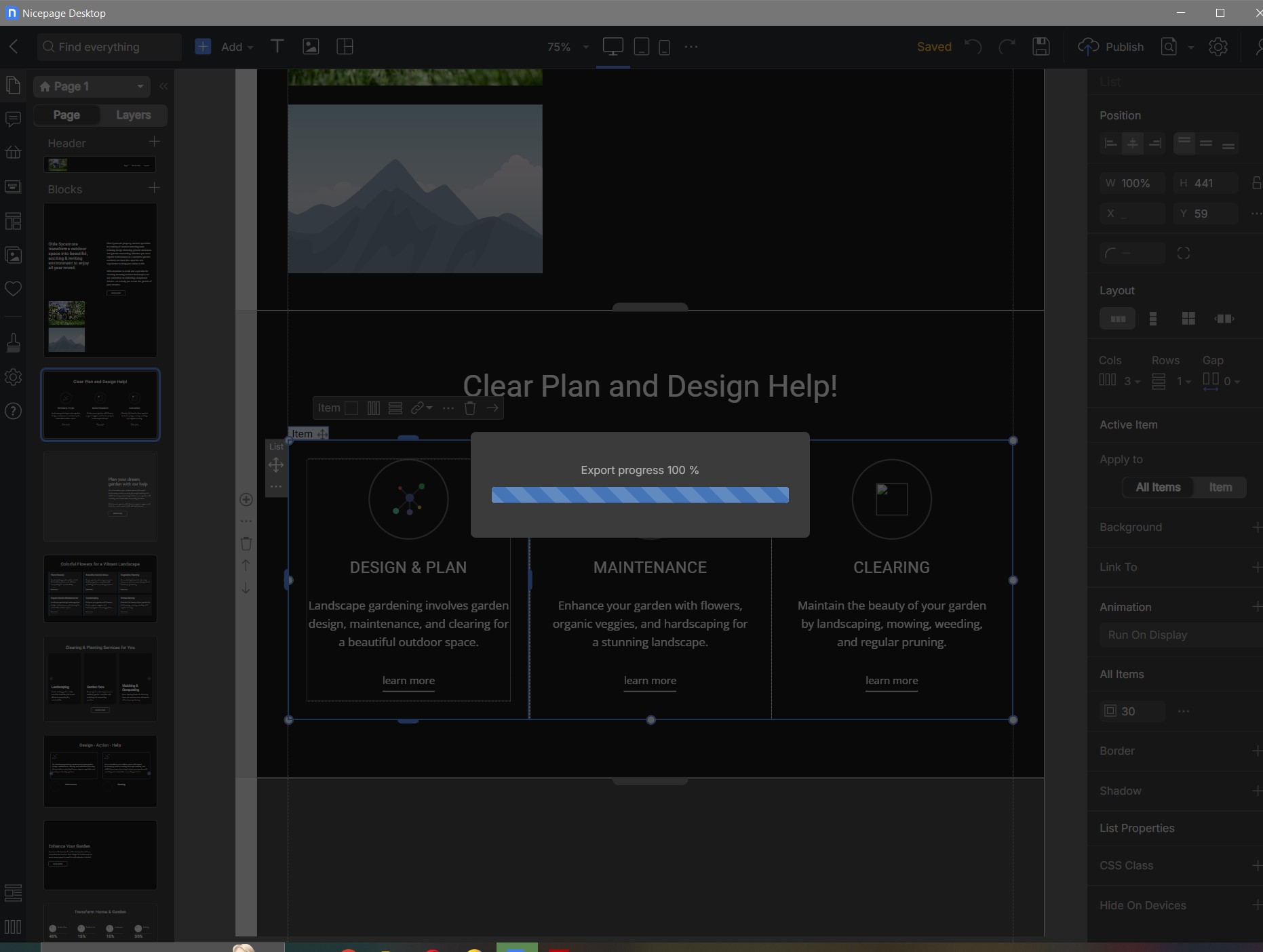
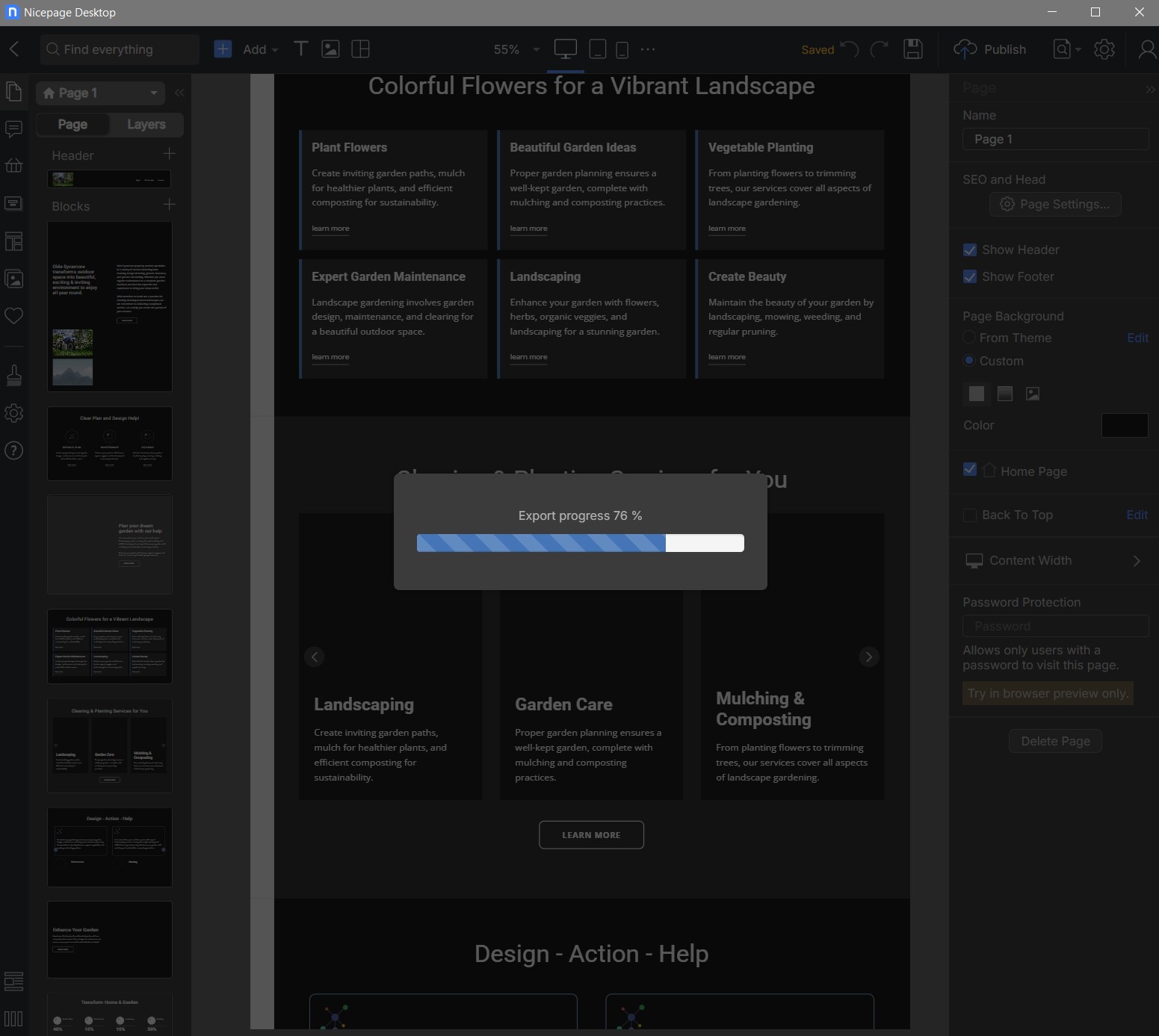
The possible reasons for this behavior:
1. Heavy images, video backgrounds, or multiple animations may overload memory or GPU during preview.
2. Quick View uses a mini web server internally to preview the page. Occasionally, this preview engine can crash or freeze, especially after prolonged use or rapid switching between pages.
3. If Nicepage’s internal preview cache becomes corrupted, it can cause hangs on load.
4. Preview rendering uses hardware acceleration. An outdated or buggy GPU driver (especially on Windows 10/11) may cause freezing.
5. Tools like antivirus software, Windows Defender, or even clipboard managers can interfere with real-time previews.
Try duplicating the page and removing videos or large images, then use Quick View again. If the freeze disappears, the issue is likely related to heavy rendering.
You can load Task Manager to see which process consumes the most resources from your side.
You can also clear Nicepage cache, for this you need to delete this folder manually: C:\Users\YourName\AppData\Local\Nicepage. Note: to copy your local projects or export them to another location then your main Nicepage folder, and close the application.
This can solve a wide range of freezing or glitching issues.
...................................................
Sincerely,
Anna.
Nicepage Support Team
Please subscribe to our YouTube channel: http://youtube.com/nicepage?sub_confirmation=1
Follow us on Facebook: http://facebook.com/nicepageapp