
How do I connect pages to the menu


9 Replies
Order By:
Standard
|
Newest

Support Team
posted this
27 January 2025
Hello,
Thanks for reaching out to us
Please refer to our documentation below and let us know if you have any questions.
https://nicepage.com/doc/82280/menu
...................................................
Sincerely,
Ahmad.
Nicepage Support Team
Please subscribe to our YouTube channel: http://youtube.com/nicepage?sub_confirmation=1
Follow us on Facebook: http://facebook.com/nicepageapp
projects702
posted this
28 January 2025
Dear Ahmad,
Thanks for your support. Honestly to say, I'm unable to find the solutions in the above link.
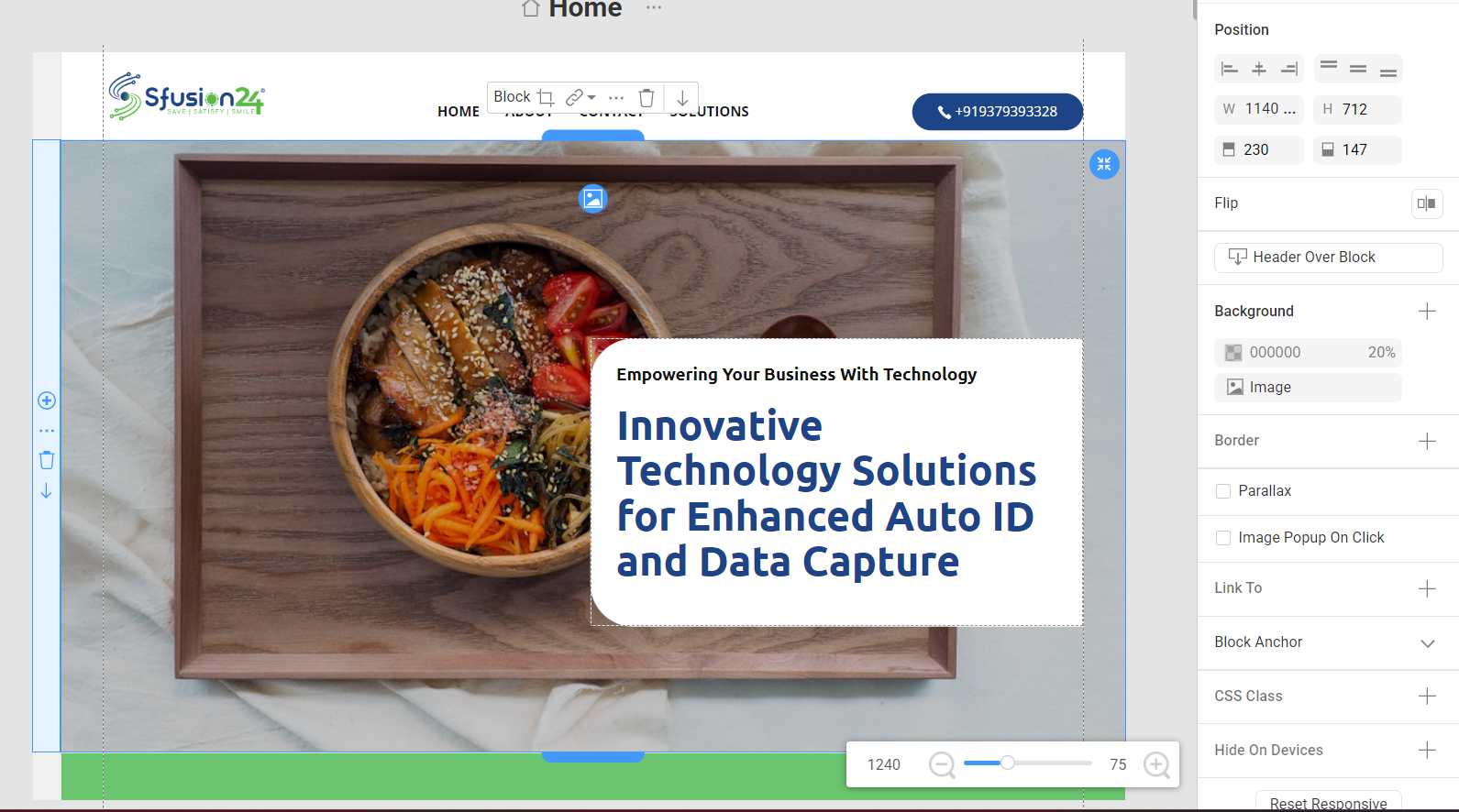
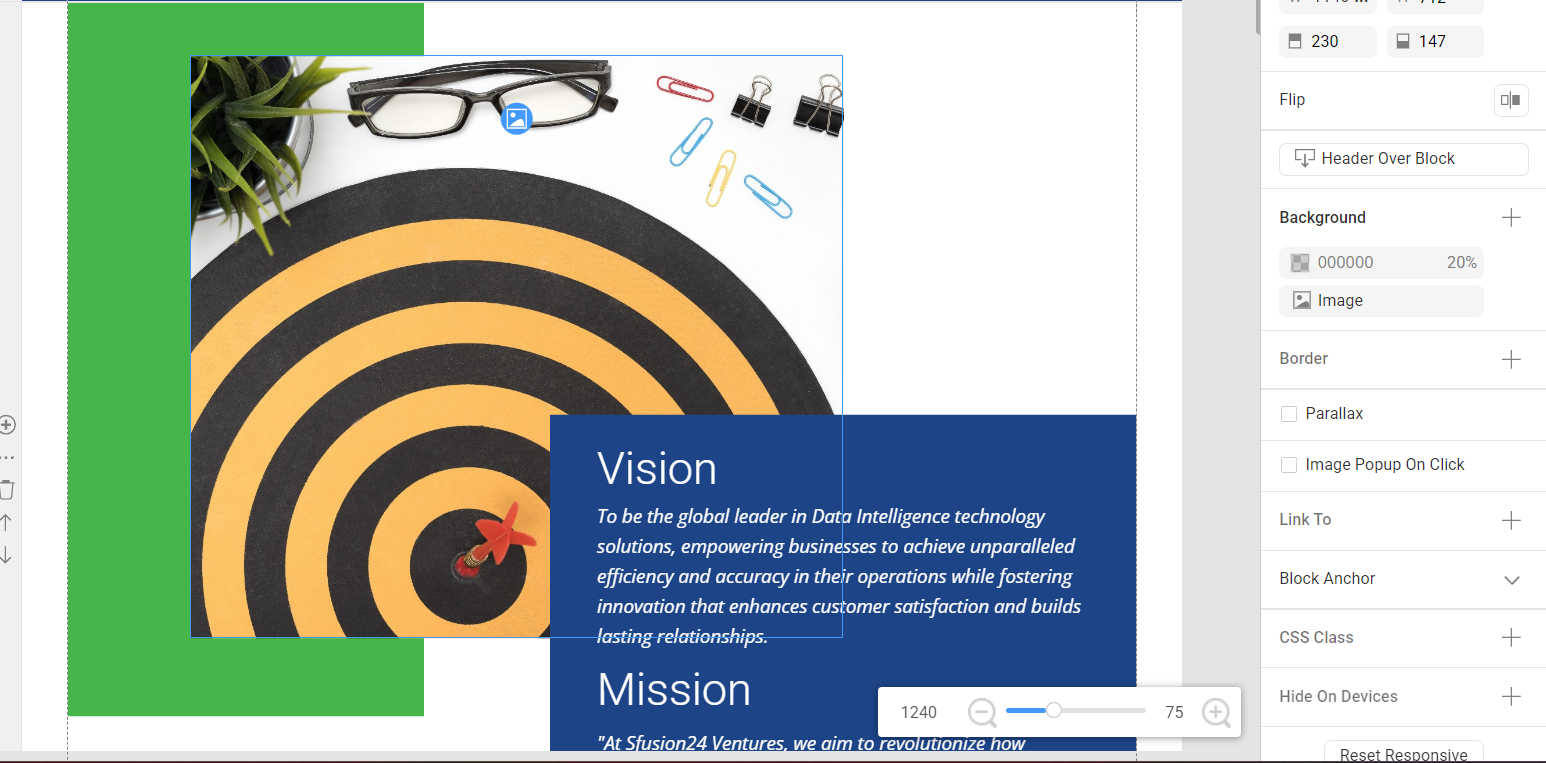
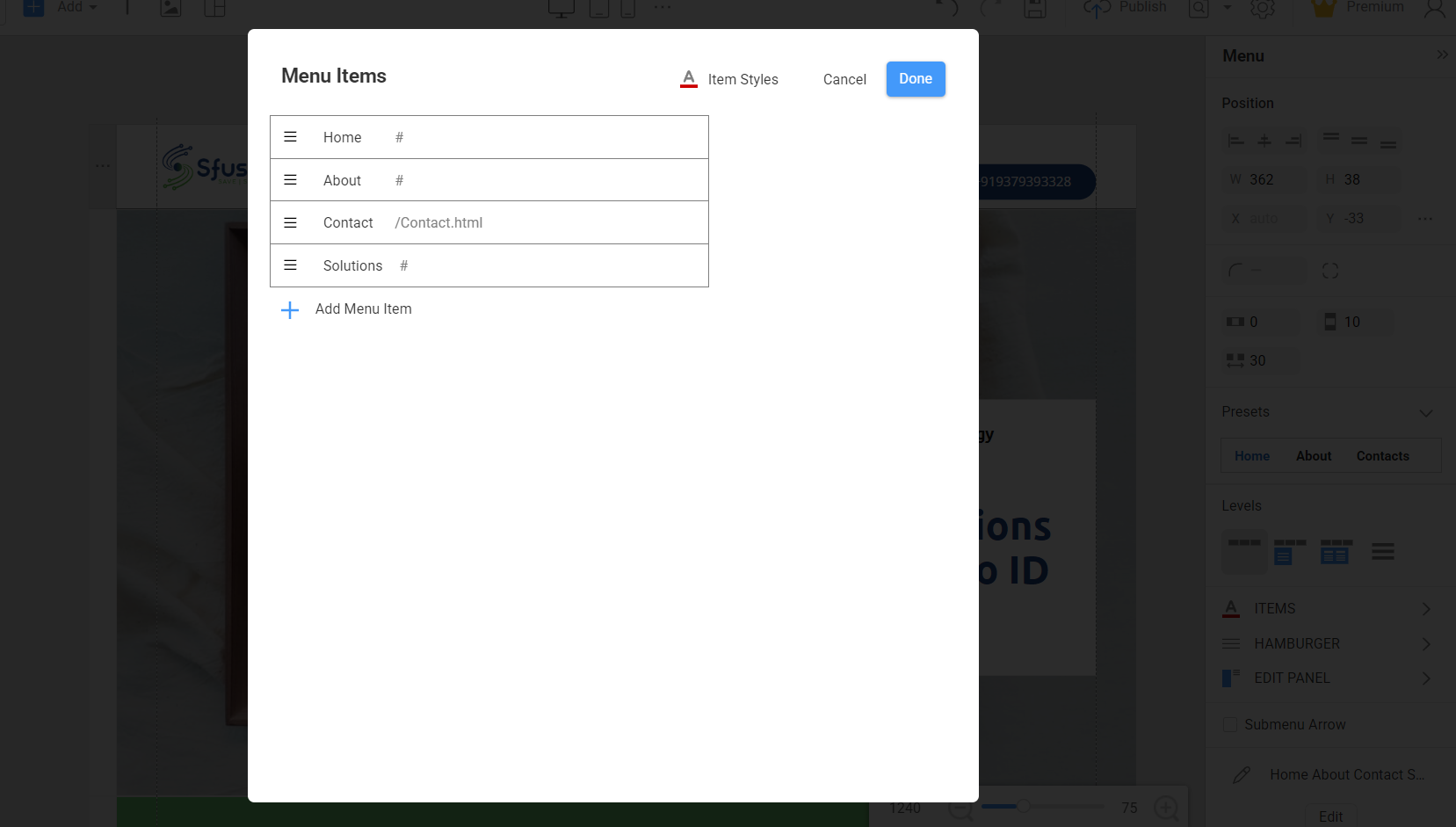
Its finding very hard to procedure to link the menu items to the below block. I have attached the screenshot please help me to solve this issue.
And to inform I'm using the desktop version application.
Regards,
Projects
Support Team
posted this
28 January 2025
Dear User,
Thank you for providing additional information.
You are on the right path. Click on the Menu item
https://resources.nicepage.com/815/145815/Screenshot-2025-01-28-191428.png
and from there, link a Page or a Block Anchor from a particular page
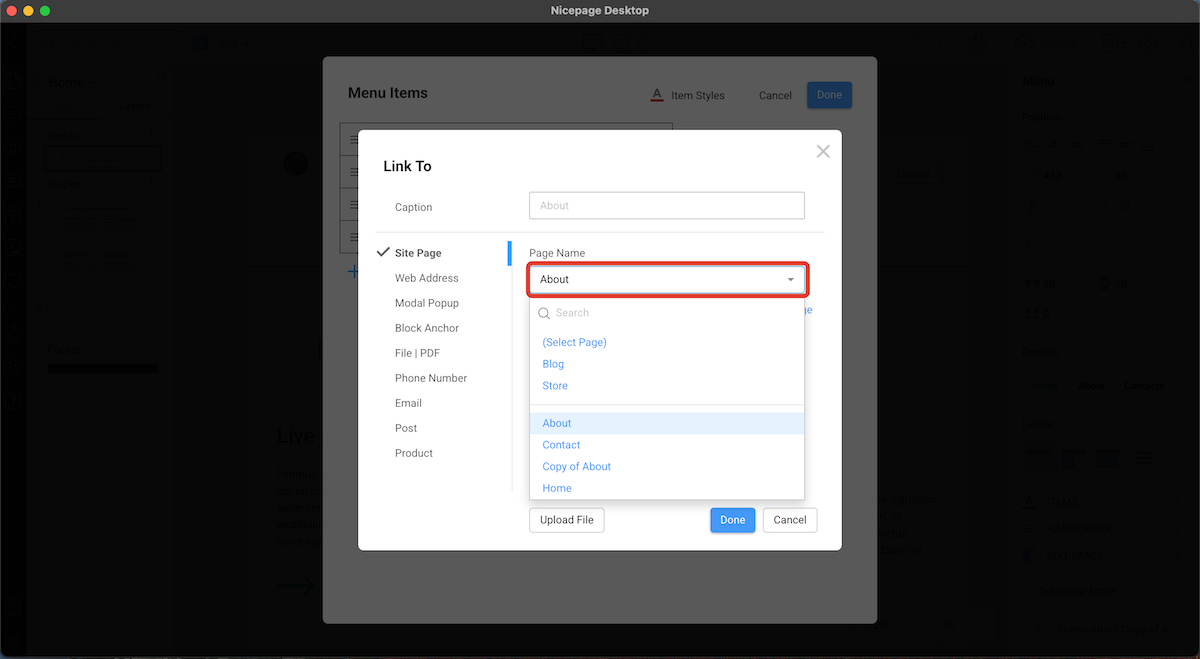
Please let us know the result
...................................................
Sincerely,
Ahmad.
Nicepage Support Team
Please subscribe to our YouTube channel: http://youtube.com/nicepage?sub_confirmation=1
Follow us on Facebook: http://facebook.com/nicepageapp
projects702
posted this
28 January 2025
Dear Ahmad,
Thanks and appreciate for your quick response.
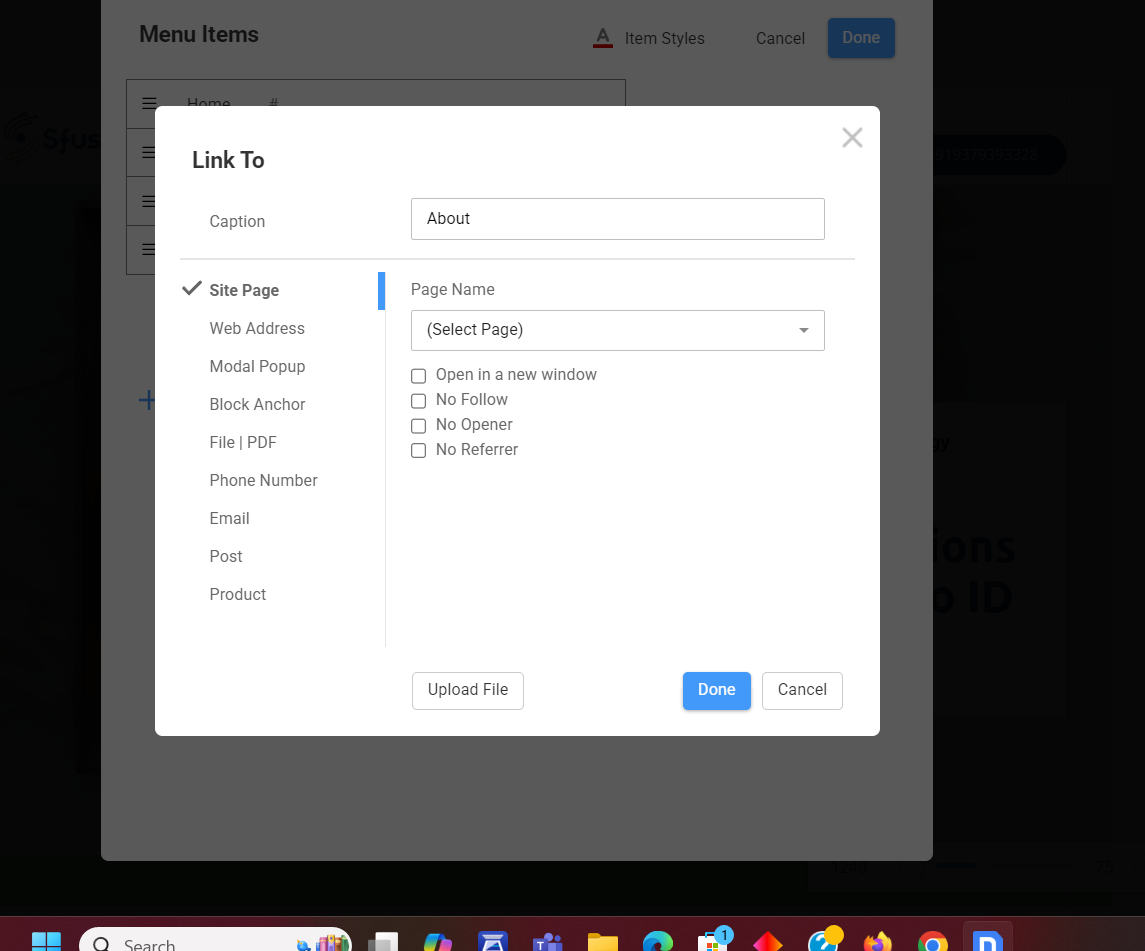
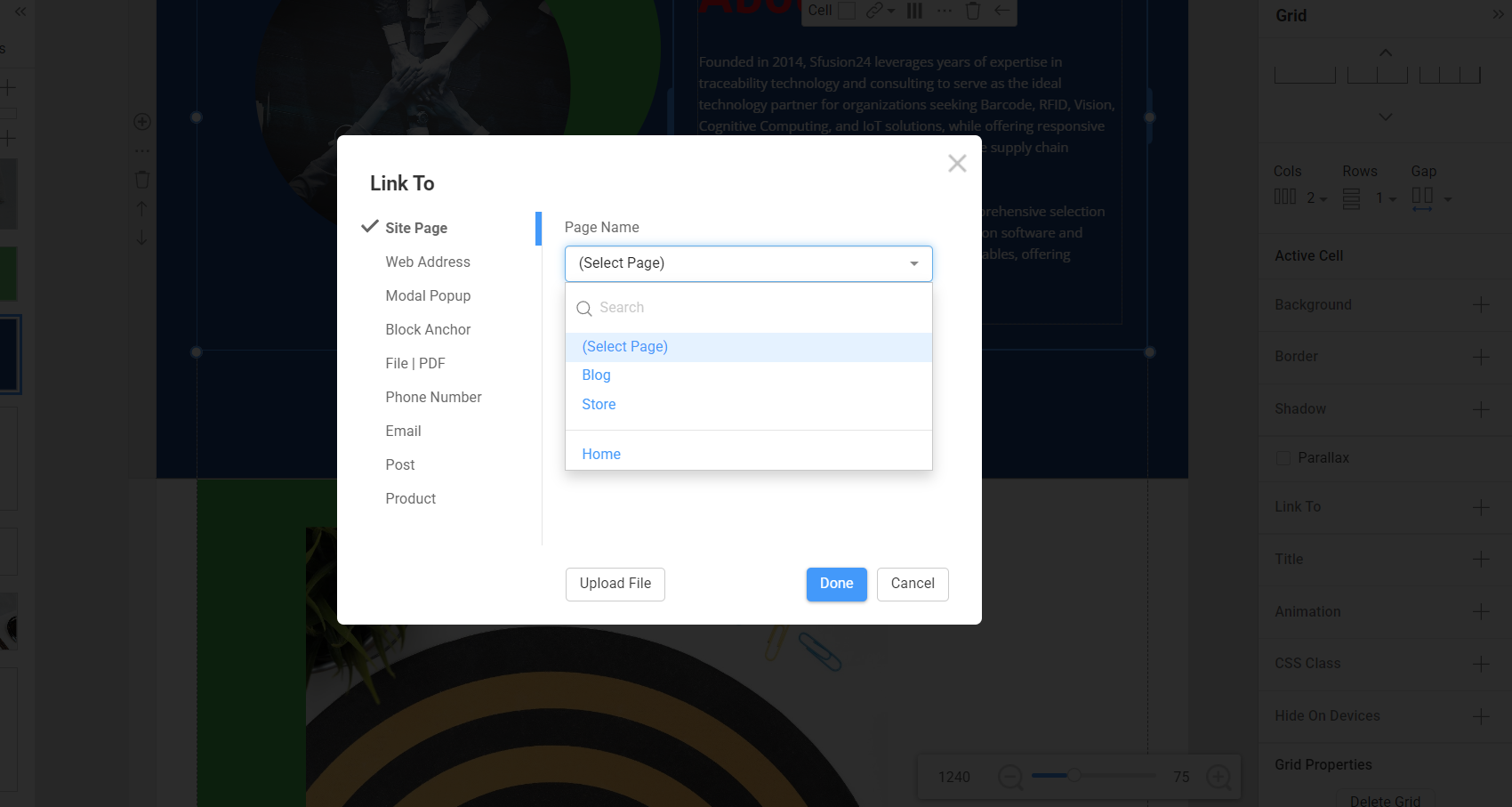
I tried following up the steps your have shared. However, the options are not unavailable to link to the block.
Only Home page is available.
Attached the screenshot.
Any sorry for any difficulty.
Regards,
Projects
Support Team
posted this
28 January 2025
If you want to select a block, you must choose the page where that block is.

...................................................
Sincerely,
Ahmad.
Nicepage Support Team
Please subscribe to our YouTube channel: http://youtube.com/nicepage?sub_confirmation=1
Follow us on Facebook: http://facebook.com/nicepageapp
projects702
posted this
29 January 2025
Dear Ahmad,
Thanks for your kind support. Today, I tried link to block and later when I previewed in the chrome the link is not working.
However, In the quick preview the link is working when I select contact in the menu column its directly taking to the contact block.
Now, My questions is why its not working in the chrome preview. Will it work properly if i download and upload in the website hosting site.
Please assist.
Regards
Projects
Support Team
posted this
29 January 2025
Dear user,
Thank you for reaching out.
Based on your description, the issue may be related to how Chrome handles local previews versus live websites. The Quick Preview within Nicepage simulates behavior within the editor, while Chrome Preview may not fully replicate the final website functionality.
We recommend exporting your project and uploading it to your hosting provider to ensure the links work correctly. Once the website is live, the links will usually function properly.
If you encounter the same issue after uploading to your hosting, please let us know, and we will investigate further.
...................................................
Sincerely,
Ahmad.
Nicepage Support Team
Please subscribe to our YouTube channel: http://youtube.com/nicepage?sub_confirmation=1
Follow us on Facebook: http://facebook.com/nicepageapp
projects702
posted this
01 February 2025
Dear Ahmad,
Thanks and as per your advice. We have followed the steps and its working perfectly in the trial hosting site.
However, We have selected to open the menu and sub menus in the new window.
Its not working and when we select the menu its directly taking to the block.
Please assist.
Team Sfusion24
Support Team
posted this
01 February 2025
Hi,
Please create a separate ticket for a different topic and attach screenshots to understand the issue you are experiencing.
Thank you
...................................................
Sincerely,
Ahmad.
Nicepage Support Team
Please subscribe to our YouTube channel: http://youtube.com/nicepage?sub_confirmation=1
Follow us on Facebook: http://facebook.com/nicepageapp