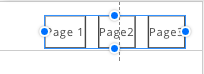
I can't seem to locate this function, but how do I go about adding some padding around the text of the header menu buttons so that the text do not touch the left and right edges of the buttons.
Last edited 31 January 2019 by Christie G
I can't seem to locate this function, but how do I go about adding some padding around the text of the header menu buttons so that the text do not touch the left and right edges of the buttons.
Last edited 31 January 2019 by Christie G
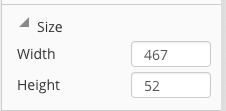
As far as I know, you can only increase the entire with of the menu. That also increases the paddings.
Hi Christie,
Space will be added inside the menu's cells if you stretch it a bit:
Please subscribe to our YouTube channel: http://youtube.com/nicepage?sub_confirmation=1
Follow us on Facebook: http://facebook.com/nicepageapp
oh, and btw, I think the styling options for the menu-buttons (or just links?) are very very limited...
Hi,
Please let us know what menu options are you missing in Nicepage?
...................................................
Sincerely,
Olivia
Nicepage Support Team
Please subscribe to our YouTube channel: http://youtube.com/nicepage?sub_confirmation=1
Follow us on Facebook: http://facebook.com/nicepageapp
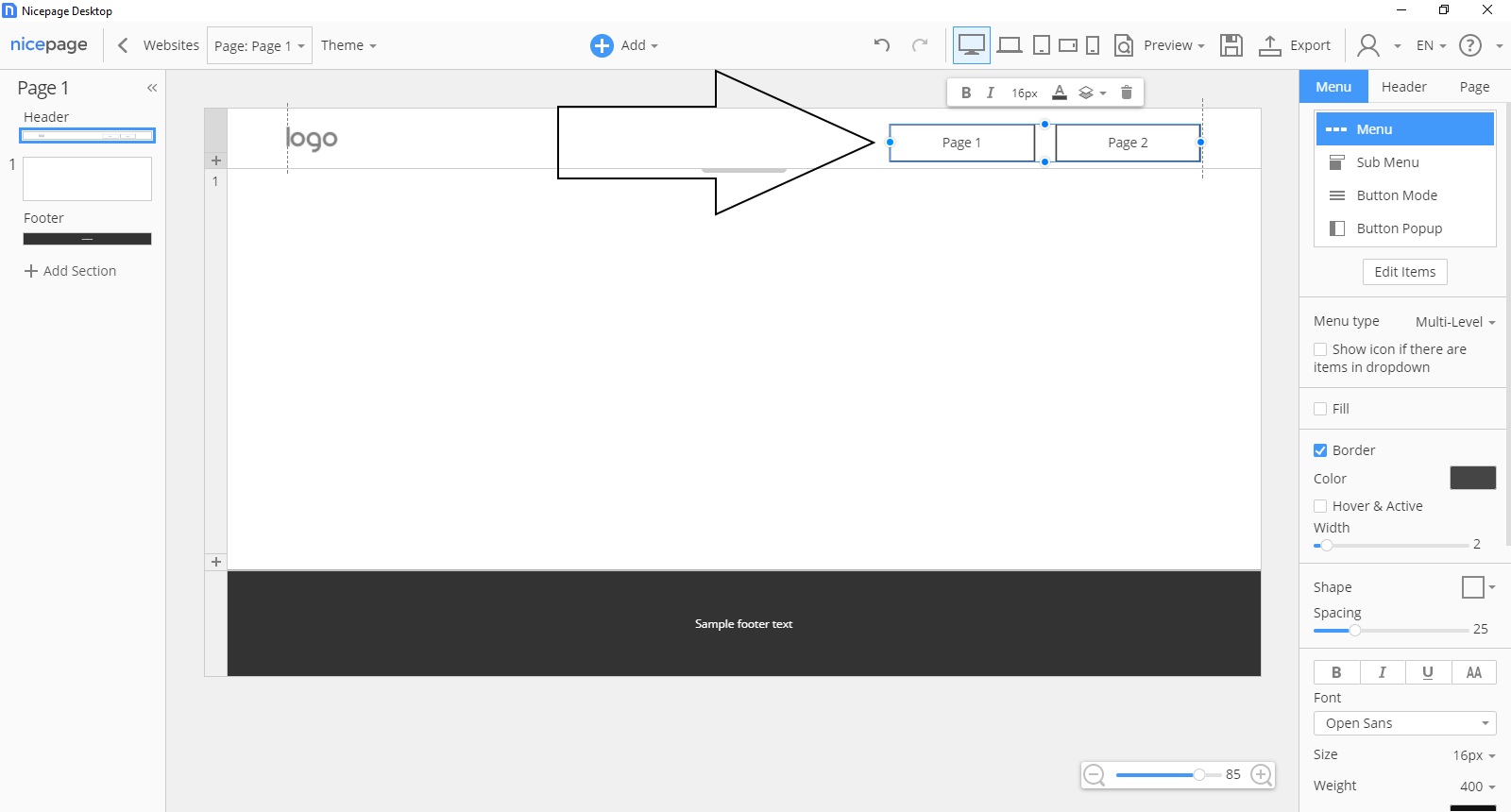
Thank you. I managed to add the padding as explained. But it would be great if you can at some time add the tabs menu layout. I just loved that a lot from Themler.
Hi Christie,
Thanks for the suggestion. I'll add it to our wishlist.
...................................................
Sincerely,
Hella
Nicepage Support Team
Please subscribe to our YouTube channel: http://youtube.com/nicepage?sub_confirmation=1
Follow us on Facebook: http://facebook.com/nicepageapp
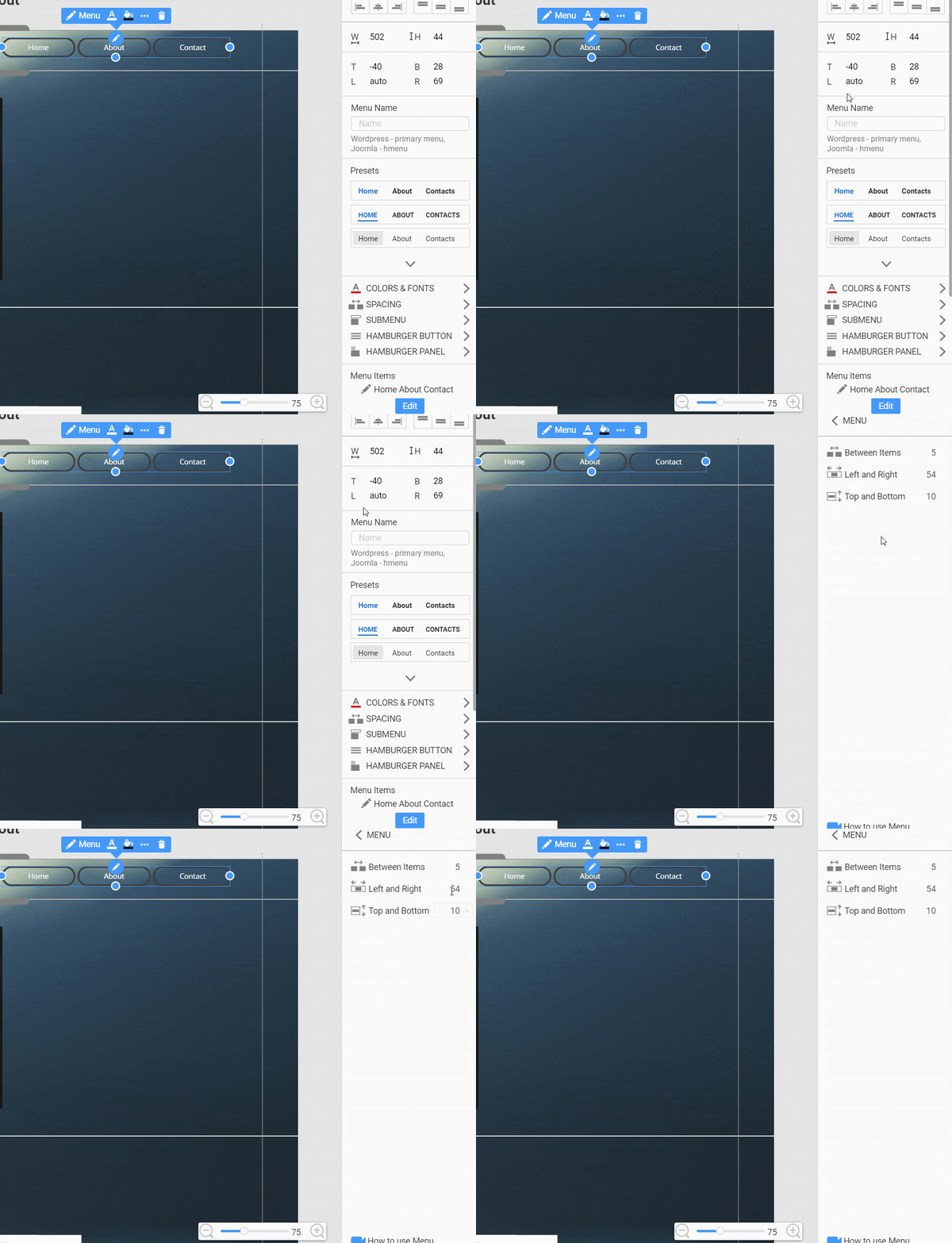
Hello agboolatesty,
You can find the settings on the Property Panel:
Please subscribe to our YouTube channel: http://youtube.com/nicepage?sub_confirmation=1
Follow us on Facebook: http://facebook.com/nicepageapp