Remove the bullets and not all?

GraphicDesignerJF
58 Posts
GraphicDesignerJF posted this 10 February 2021
Ask a Question

Good afternoon I need someone can help me how to remove the vignettes but when I remove it deactivates all the vignettes if I do not want to remove where the image shows the arrow but I could not remove it, how would that be?

Thank you, I am very attentive

Vote to pay developers attention to this features or issue.
6 Replies
Order By: Standard | Newest
Support Team
Support Team posted this 10 February 2021

Hi, Javier,

Thanks for using Nicepage
To help you with this, please, help me to better understand you.
You want to remove bullets only the ones which are before the text, and keep the ones before arrows?
...................................................
Sincerely,
Khrystyna
Nicepage Support Team

Please subscribe to our YouTube channel: http://youtube.com/nicepage?sub_confirmation=1
Follow us on Facebook: http://facebook.com/nicepageapp

Support Team
Support Team posted this 11 February 2021

Hi Javier,

Please attach your project so we could check your list.

...................................................
Sincerely,
Hella
Nicepage Support Team

Please subscribe to our YouTube channel: http://youtube.com/nicepage?sub_confirmation=1
Follow us on Facebook: http://facebook.com/nicepageapp

GraphicDesignerJF
58 Posts
GraphicDesignerJF posted this 11 February 2021

Hi Javier,

Please attach your project so we could check your list.

...................................................
Sincerely,
Hella
Nicepage Support Team

Please subscribe to our YouTube channel: http://youtube.com/nicepage?sub_confirmation=1
Follow us on Facebook: http://facebook.com/nicepageapp

Good Morning,

I attach the video there where it shows that they should remove the bullets because when there is a separate paragraph they do not allow removing the bullets so that you have the option to remove the bullets

I am very attentive

Support Team
Support Team posted this 11 February 2021

Hi, Javier,
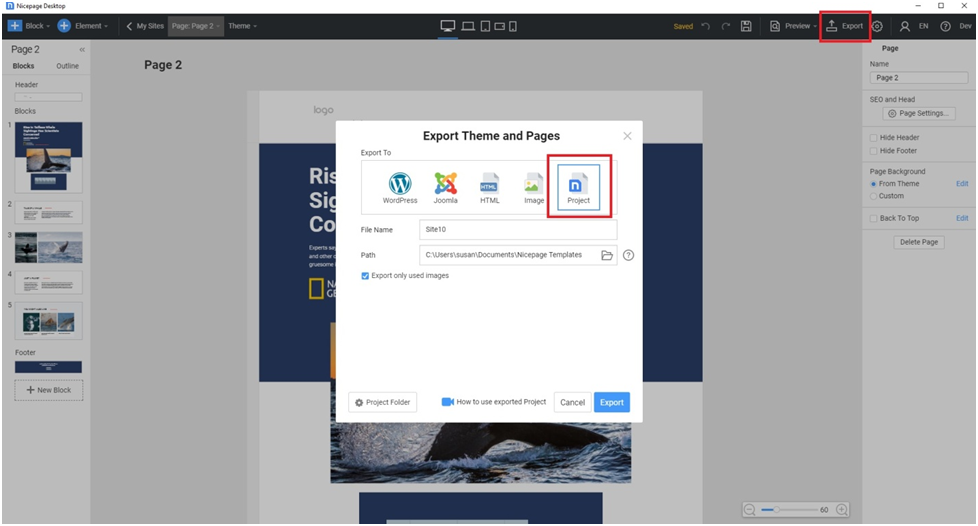
Please provide your Desktop project (see attachment). We will check it on our side.

...................................................
Sincerely,
Khrystyna
Nicepage Support Team

Please subscribe to our YouTube channel: http://youtube.com/nicepage?sub_confirmation=1
Follow us on Facebook: http://facebook.com/nicepageapp

eldoradomedia
57 Posts
eldoradomedia posted this 12 February 2021

When you use the "Bulleted list" press Shift + Enter to create a new line without bullet.

Then press Enter to continue the bulleted list. And so on.

GraphicDesignerJF
58 Posts
GraphicDesignerJF posted this 13 February 2021

When you use the "Bulleted list" press Shift + Enter to create a new line without bullet.

Then press Enter to continue the bulleted list. And so on.

Thank you very much if it worked super thanks for the recommendation I really did not know how the steps were, it was solved greetings :-)

You must log in or register to leave comments